Eidos File: an open, local-first table format
Eidos File is a multidimensional table stored as one portable .eidos file. It is a standard SQLite database containing records, typed fields, relations, and saved views. The file stays useful in Eidos, ordinary SQLite tools, and applications built with the public packages.
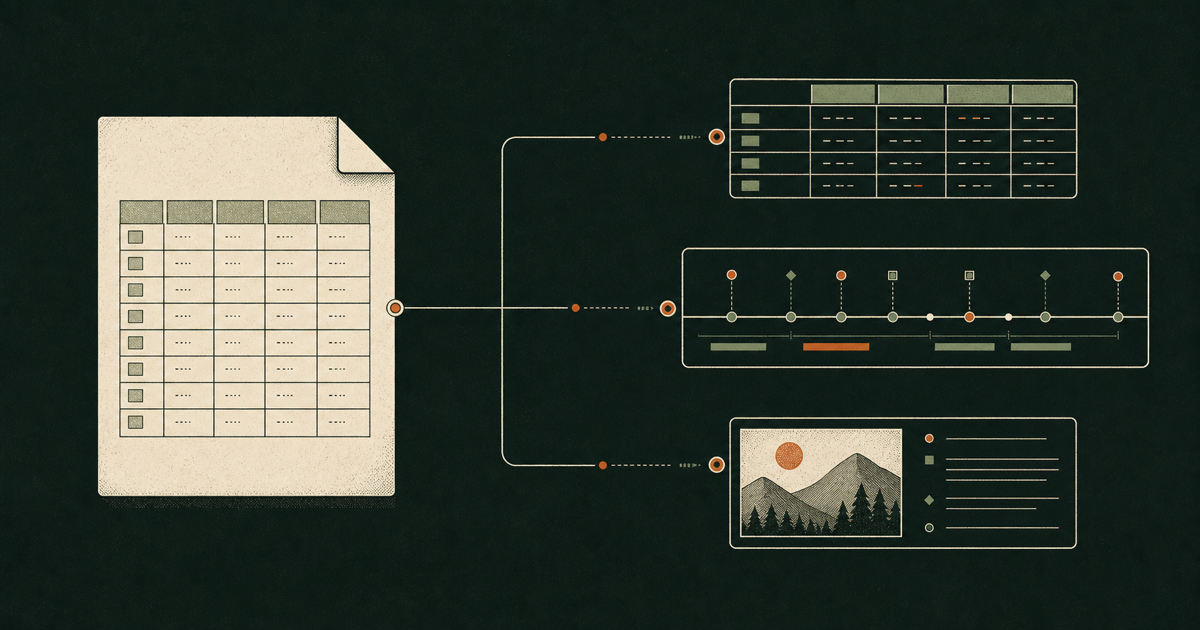
Grid, Timeline, Gallery, Kanban, and custom views are different ways to work with the same records. A view stores query and presentation state; it does not create another copy of the table.
Try it in the editor
- Return to the Eidos File editor.
- Choose Open .eidos file, or open the included 2,500-row sample.
- Edit records or switch between Grid, Gallery, and Kanban.
- Save the original file or download a new copy.
Chromium-based browsers can write back to the original after you grant permission. Other browsers use an explicit copy workflow. In both modes, the database is processed locally with SQLite WASM and a Web Worker.
What travels with the file
- user tables and stable row identities;
- field names, types, options, formulas, lookups, and relations;
- saved views with filters, sorting, field order, and layout properties;
- file identity and format version.
Unsupported custom view types remain in the file. A host may fall back to Grid, but it should not erase view metadata it does not understand.
Use it or build with it
| Path | Use it when |
|---|---|
| Eidos File editor | You want to open or edit a local file in the browser. |
| Eidos Desktop | You work with Eidos Files alongside documents, assets, local AI, and version history. |
@eidos.space/eidos-file |
You need the headless runtime, browser adapter, save lifecycle, or a Node connection. |
@eidos.space/eidos-file-ui |
You want the React view host, shared editor UI, or typed custom views. |
Privacy and ownership
The .eidos file is the source of truth. The editor does not upload file contents to Eidos servers. When unsaved work needs recovery, the browser may retain a private local checkpoint that you can discard from the editor or remove by clearing site data.
Read the format reference for the stable SQLite contract, or build with Eidos File using the published 0.1.0 packages.